You can now connect your support email address to SparrowDesk via Google/Microsoft authentication to receive support tickets. This method is secure and hassle free as it doesn’t involve credentials and the authentication is done by Google and Microsoft servers.
Also, the connection is established in seconds without a long set up process.
Filters help customize the inbox to display only the conversations that matter at the moment. But applying a filter takes multiple clicks, especially when many conditions are involved.
AI filters help simplify and speed up this process; just specify what you’re looking for like a prompt and see the results instantly. You can even combine multiple conditions into a single prompt, for example ‘My tickets that are due tomorrow’ or ‘Conversations created by John Dafoe in the current month’. This helps you zero in on the important conversations faster and with more precision.
Chat transcripts for customer re-engagement
A common occurrence is chat support: customers start conversations and abandon them midway, possibly due to connectivity issues. SparrowDesk helps you re-engage these customers effectively by automatically emailing them the chat transcript. Customers can continue the conversation effortlessly by simply replying to the email.
Besides re-engagement, transcripts also give customers a record of the support interaction for future reference.
Sequential tasks and operating procedures are commonplace in customer support. Their purpose is to improve the consistency and efficiency of service. But, they end up consuming valuable time and energy that could otherwise be spent helping customers.
Set up workflow automations and let them take care of the repeat work. Workflows automatically execute one or more actions when certain events occur, meeting specified conditions. Choose from our ready-to-use templates, or build your own from scratch with custom triggers, conditional logic, and actions.
The intuitive, point-to-click builder simplifies workflow creation. Admins can easily build and deploy workflows just like flowcharts.
Auto-assign tickets among team members via round-robin
Ensure incoming conversations are attended to faster by automating their assignment. The round robin rule equally distributes the incoming conversations among members in teams, ensuring customers aren’t kept waiting.
Luna is SparrowDesk native artificial intelligence. It’s powerful enough to function as a standalone AI agent, answering customer questions and resolving problems end to end. And also as an AI Copilot, providing human agents with instant conversation summaries, ready-to-send reply drafts, on-demand knowledge bites, and anything else they need for quick and helpful support.
For optimum performance and personalized responses, Luna has to be trained with information. The more context you provide Luna, the faster and sharper its responses become.
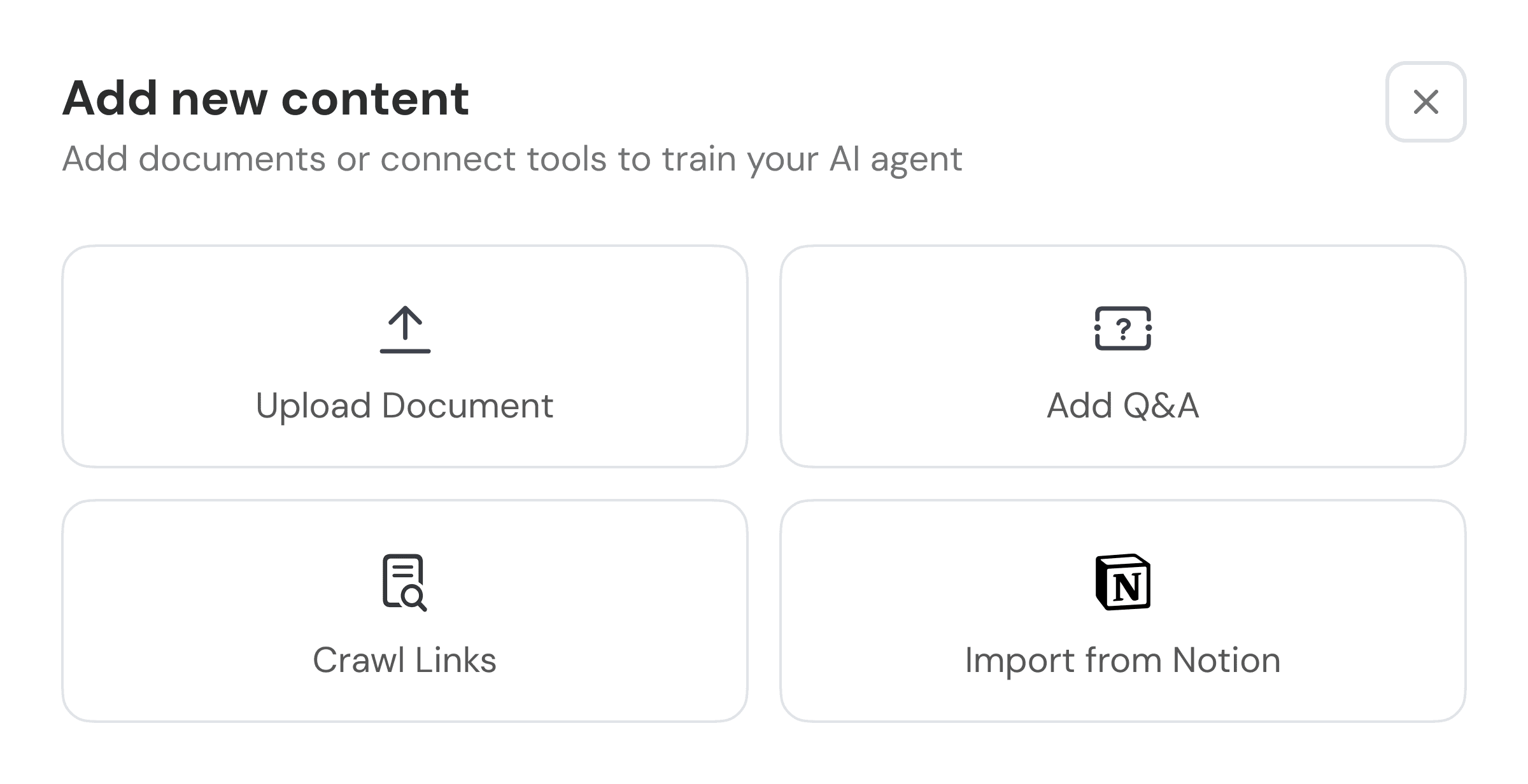
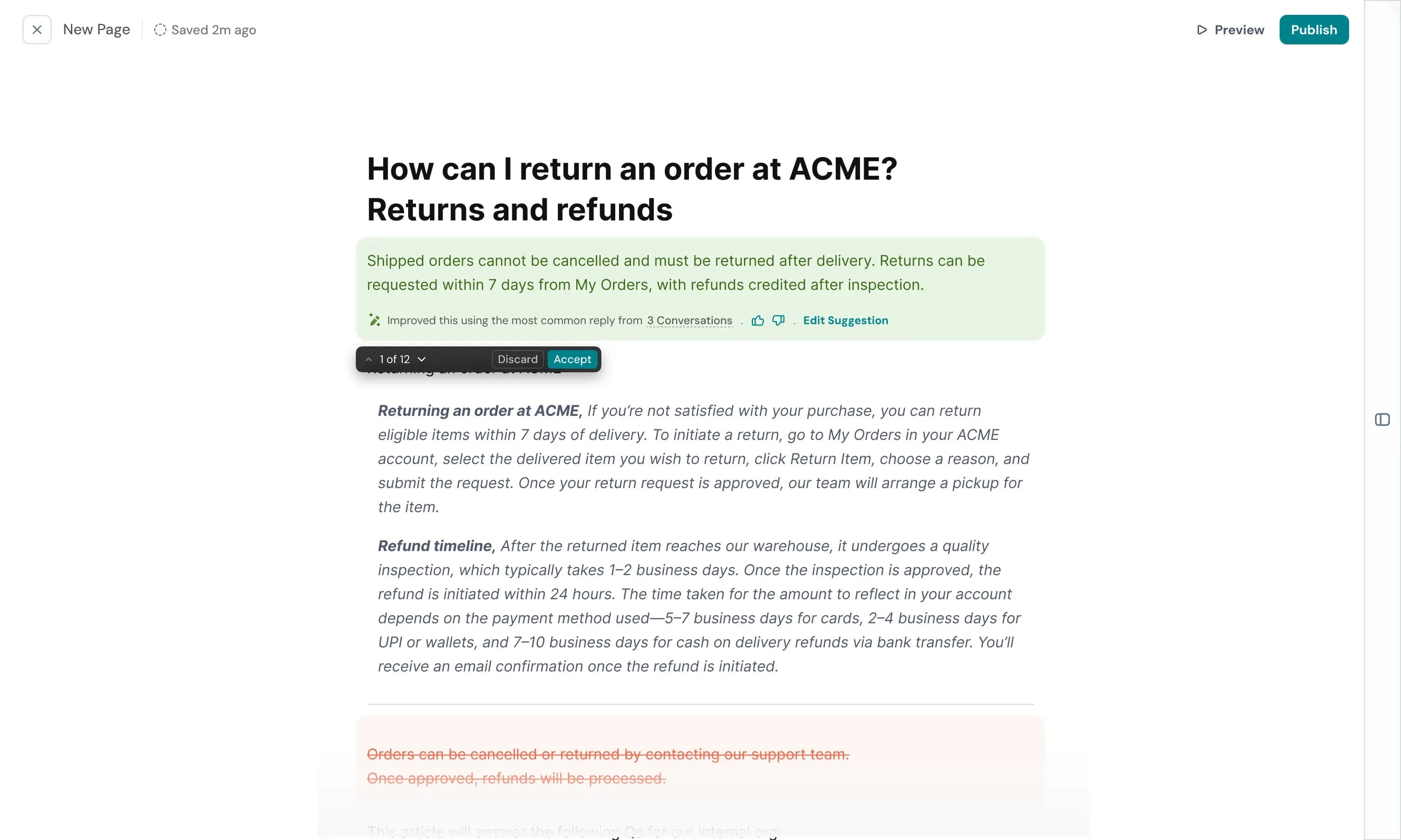
By default, Luna learns from your company’s knowledge base and support interactions. Starting now, you can feed it with information from documents and URLs, so that it can acquire knowledge from your internal resources, like agent guidebooks, and external sources. This gives Luna an in-depth understanding of your business and industry while you have the flexibility to train it granularly without making the information public.
Extend SparrowDesk’s capabilities; connect to third party applications, like Hubspot and more. Find integrations to elevate your business workflows in the newly inaugurated App Store available within the help desk. The app store comes with a developer portal, called AppNest where you can build and publish integrations of your own.