Omnichannel inbox
Omnichannel inbox for every channel your team supports
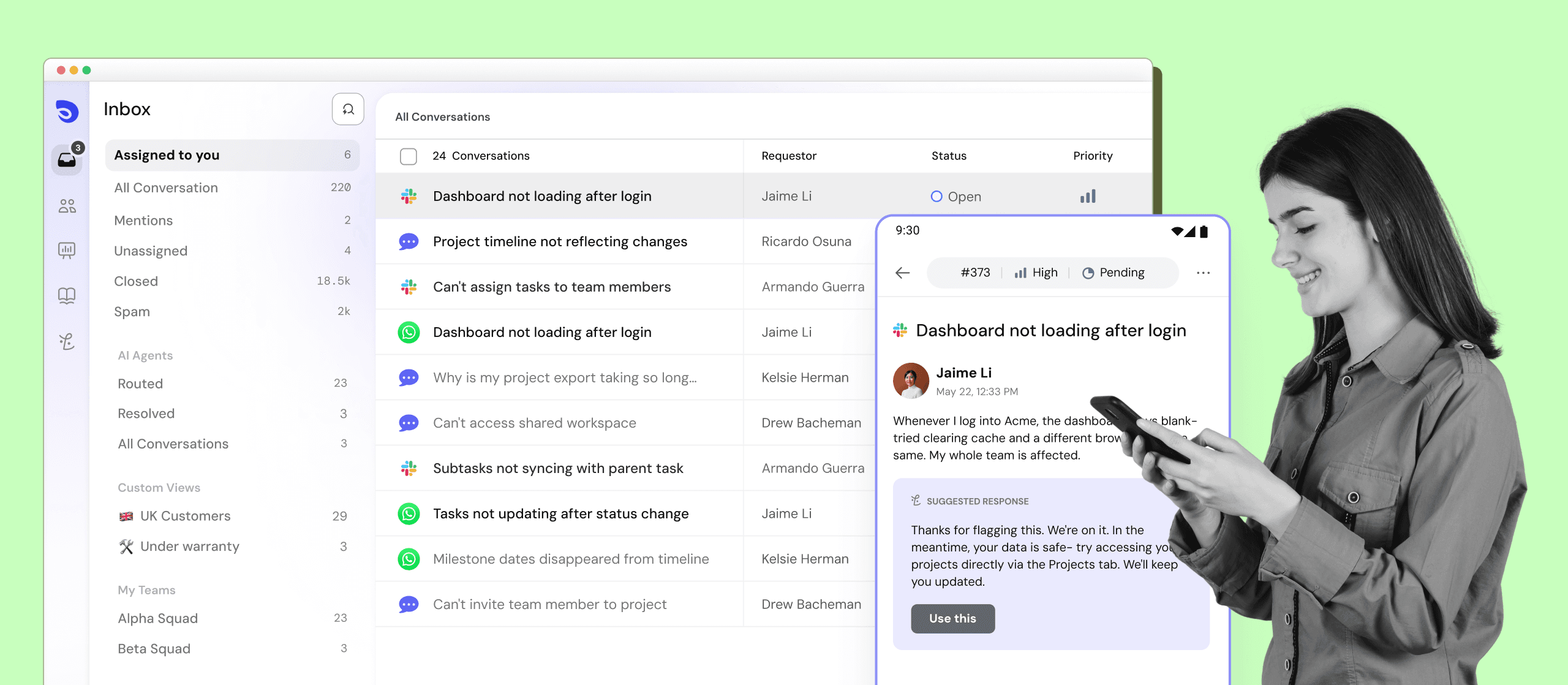
One shared inbox for every channel- email, WhatsApp, Slack, MS Teams, socials, and your customer portal. No tool-switching. No missed requests.
Trusted by 1,000+ support teams

.png&w=3840&q=75)













The real advantage of an omnichannel inbox
AI takes first swing
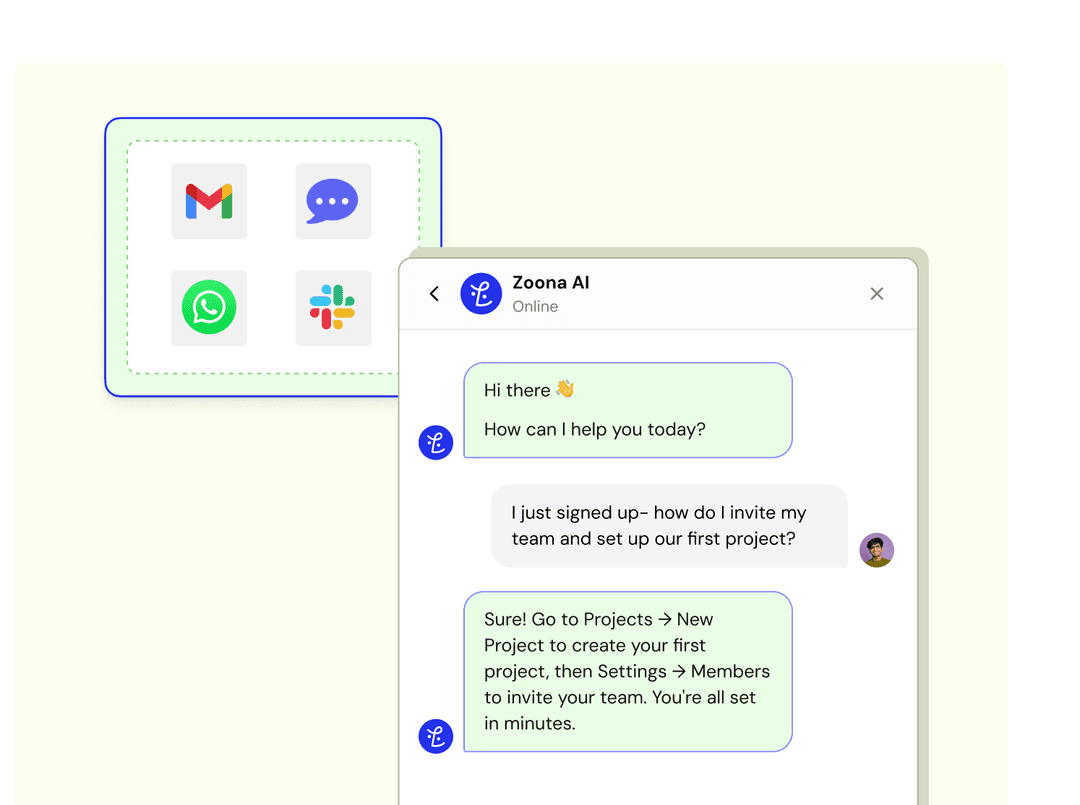
Routine requests across email, WhatsApp, Messenger and Slack are resolved automatically- no manual triage, no queue buildup.
Full context, instantly
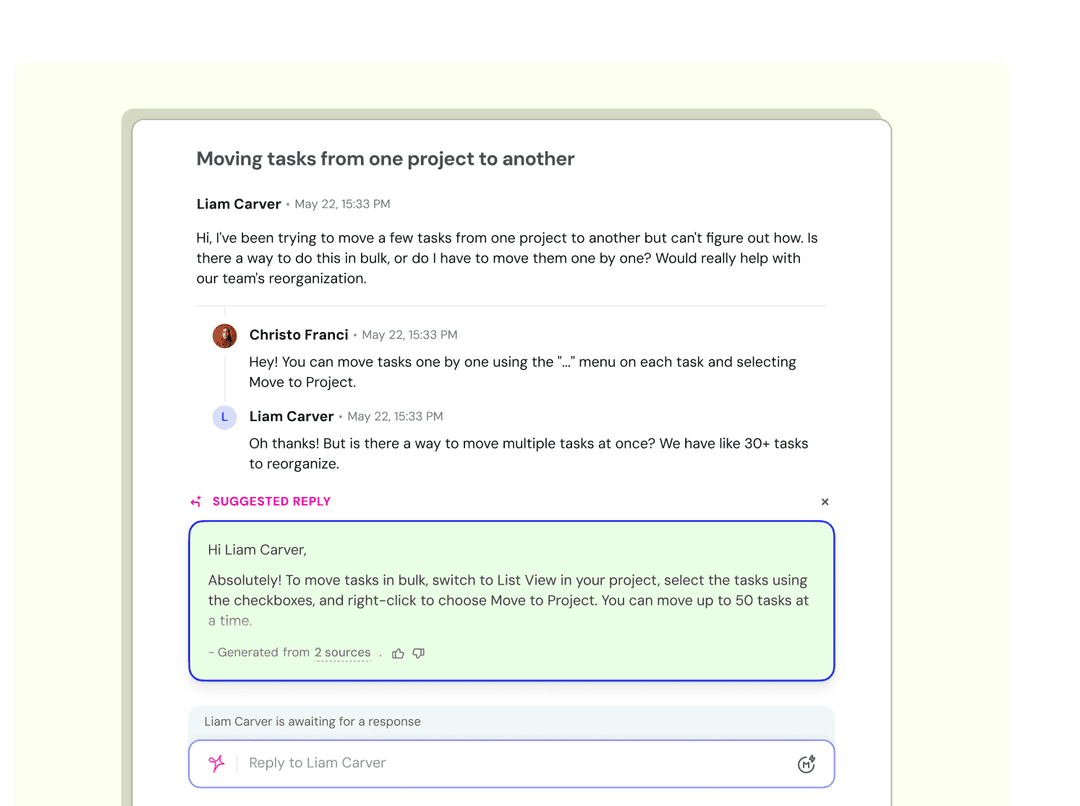
Every thread carries the full history- past replies, internal notes, attachments- regardless of which channel the customer used last. Your team never has to ask a customer to start over.
Clear accountability
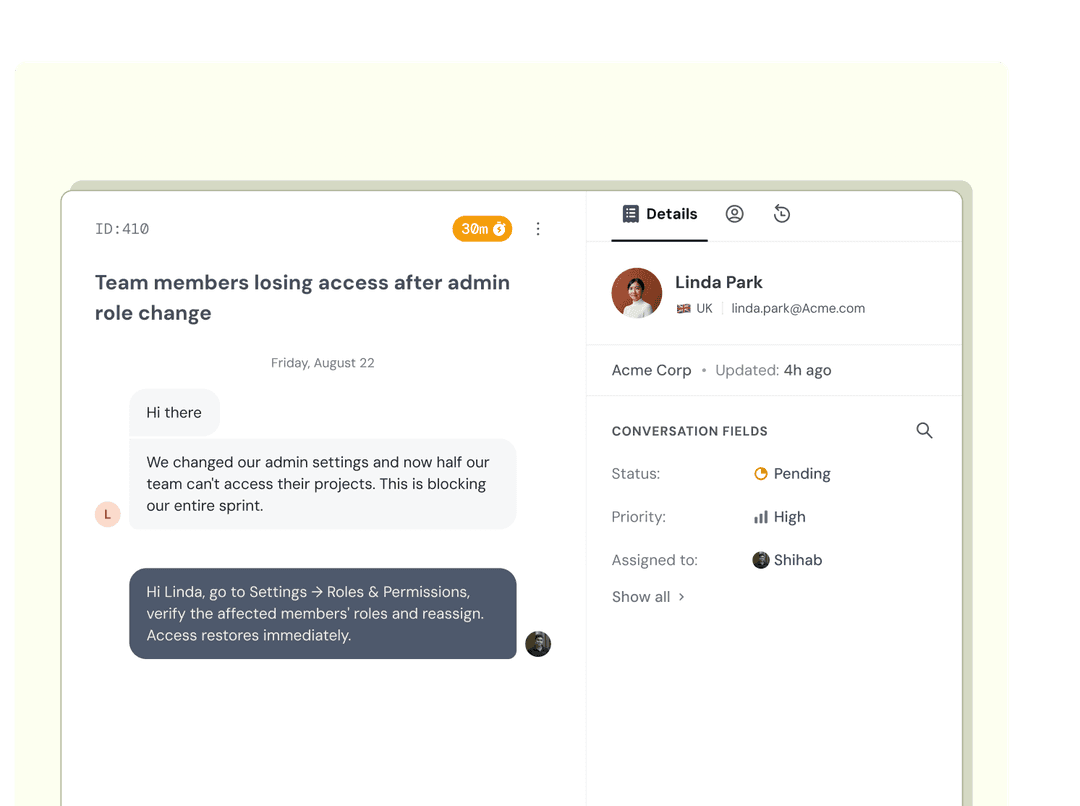
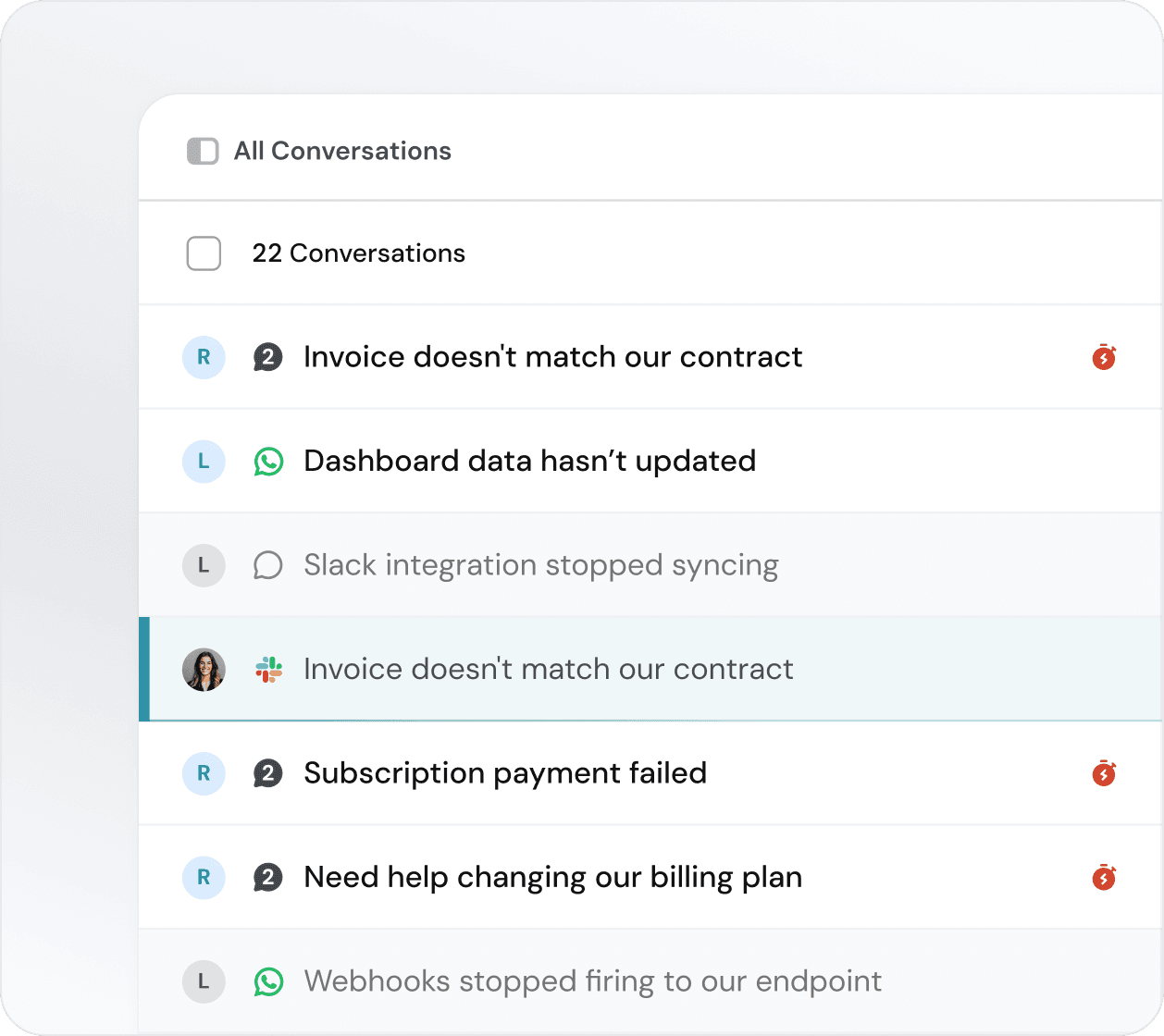
Assign conversations, set priorities, and track status across every channel in one place.
Every channel, aligned
Whether a request comes in via email, WhatsApp or social- every conversation gets the same priority, ownership and follow-through.
Every channel. One workspace
Manage multiple brands from one place. Every reply, note and attachment stays in one thread- nothing scattered.
WhatsApp, Messenger, Slack & MS Teams
Read and reply to customer messages inside SparrowDesk. Support requests land in the same queue as everything else, where you can assign, respond and resolve without app-switching or screenshot-forwarding.
Customer portal
Customers can submit and track requests through a dedicated portal. Every submission lands directly in your shared inbox.
One inbox everything included
Search across every channel
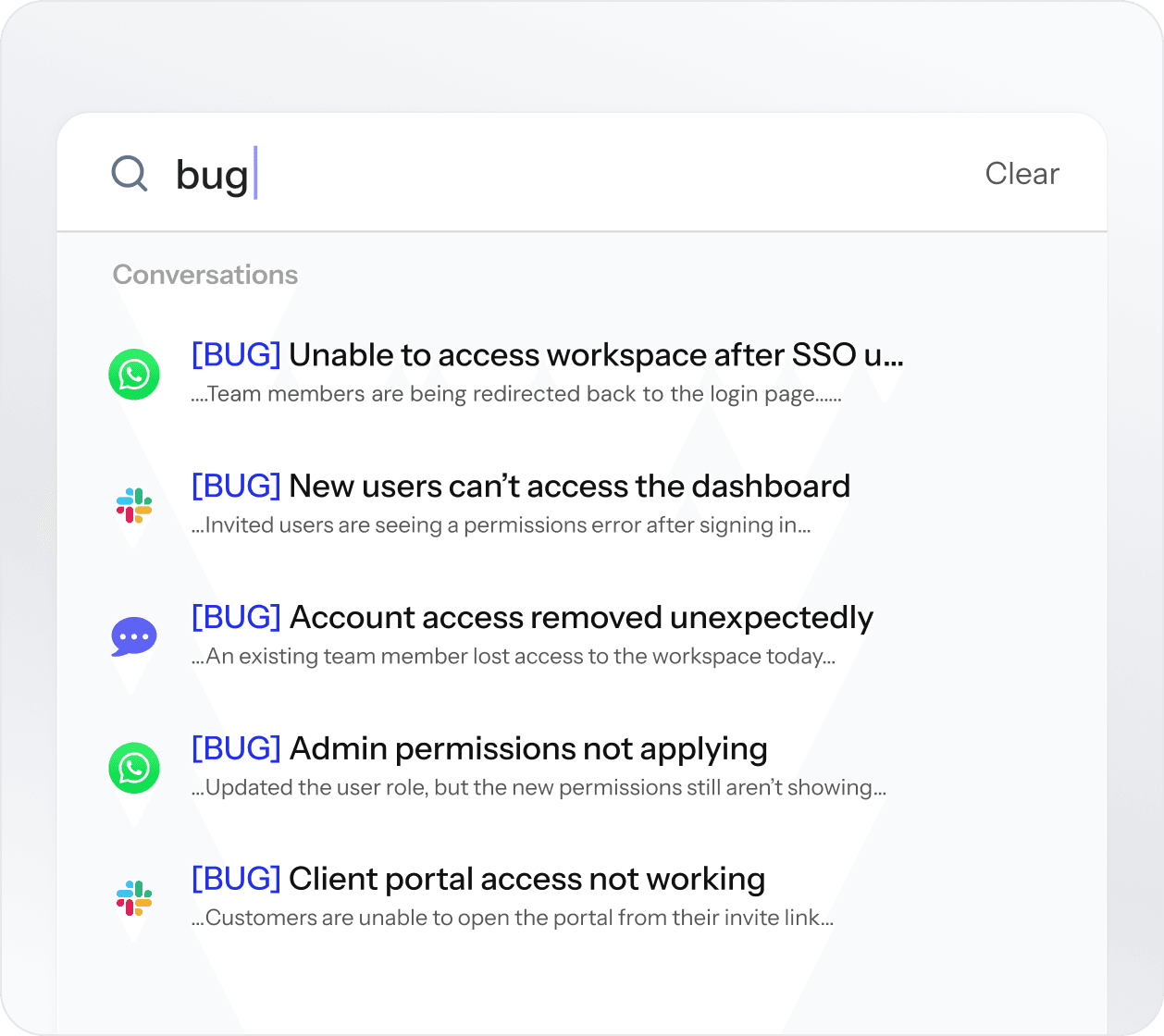
Find any conversation instantly- by customer name, keyword or channel- without remembering where it came from or when it came in.
Internal notes and collaboration
Loop in teammates, leave context for the next agent, or escalate with a note- all within the thread, visible only to your team.
Mobile-ready omnichannel inbox
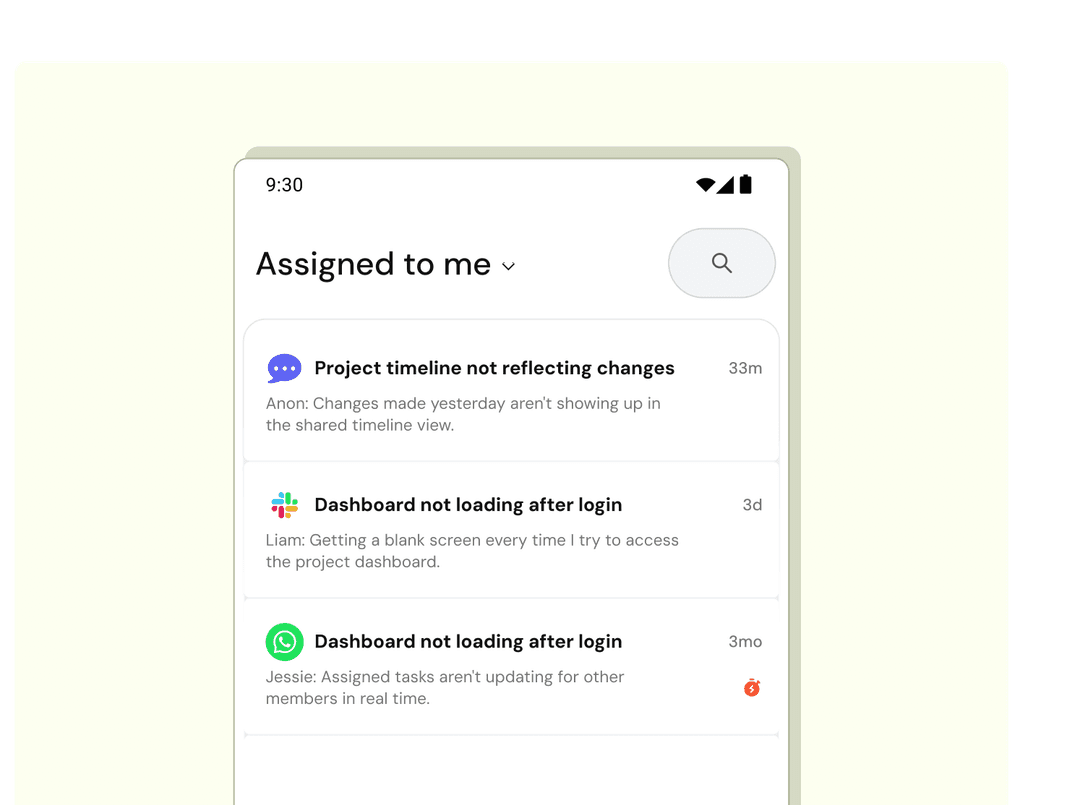
Manage conversations, assign tickets and respond on the go- the same shared inbox, optimised for mobile.
Built for support teams at any scale
Custom views by channel or team
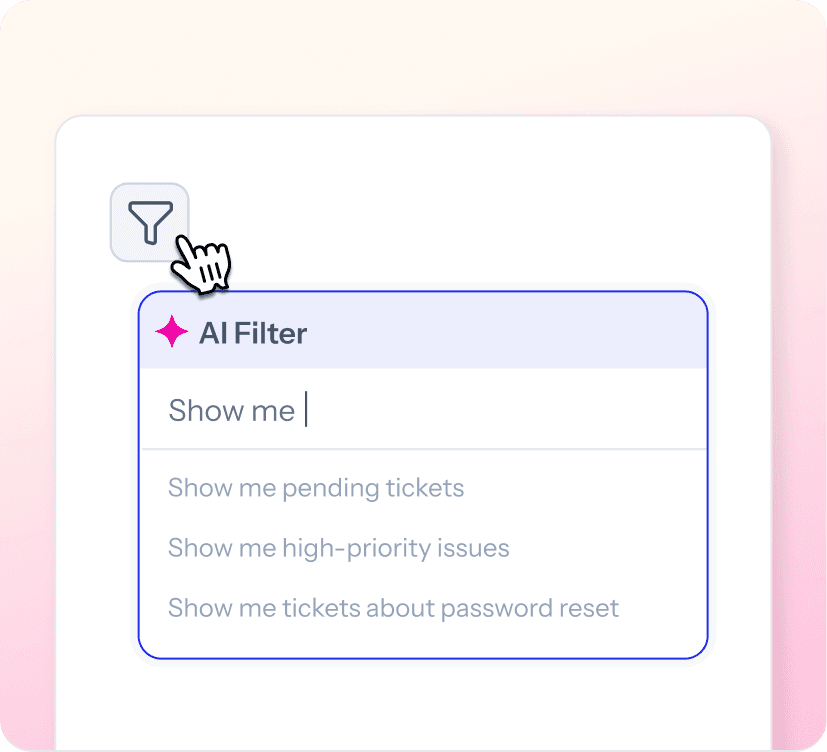
Filter your shared inbox by channel, assignee or priority. Every agent sees exactly what they need to work on- nothing more.
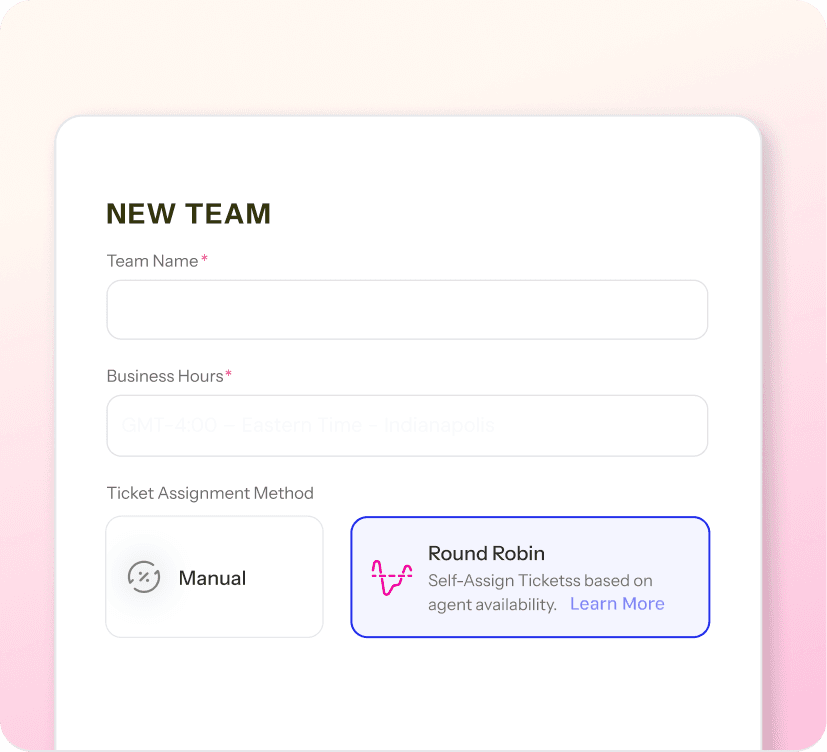
Round-robin assignment
New conversations are distributed evenly across your team- automatically, regardless of which channel they came from.
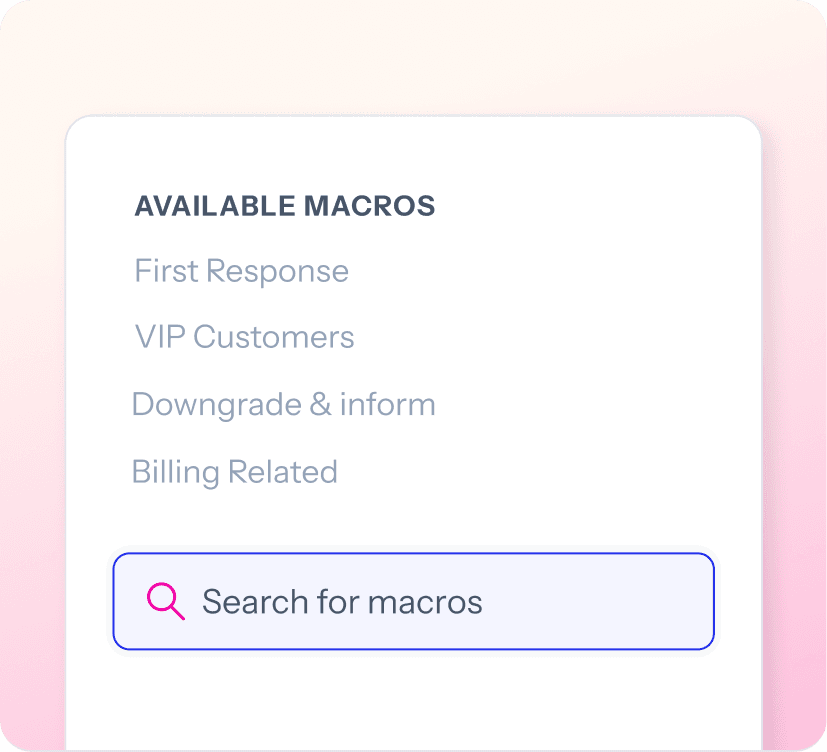
Quick-action macros
One click to send a standard reply, update a status or tag a ticket. Works the same across every channel.
Works with the tools you already run on











Your support teamdeserves this. Start today.
Set up SparrowDesk in minutes, not months. No credit card needed, no safe call required. Just a better way to run support from day one.