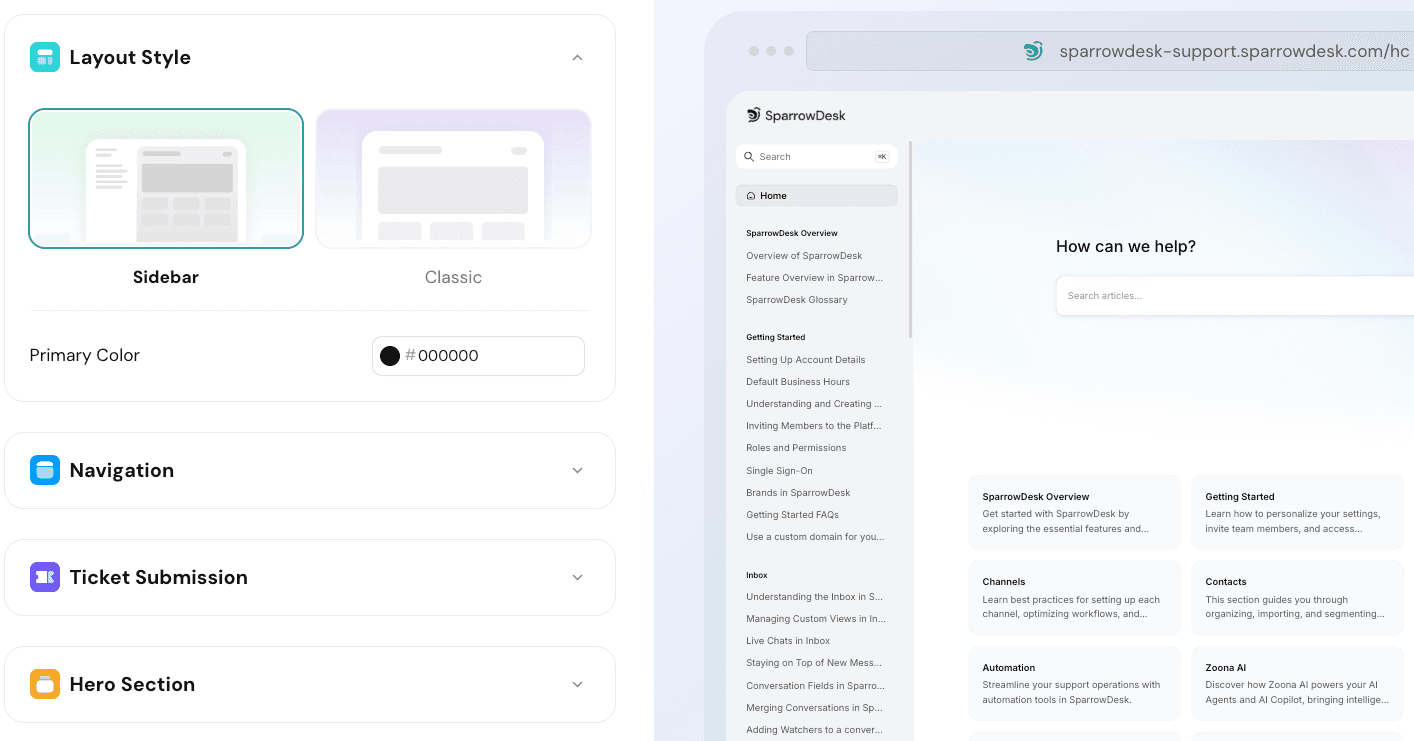
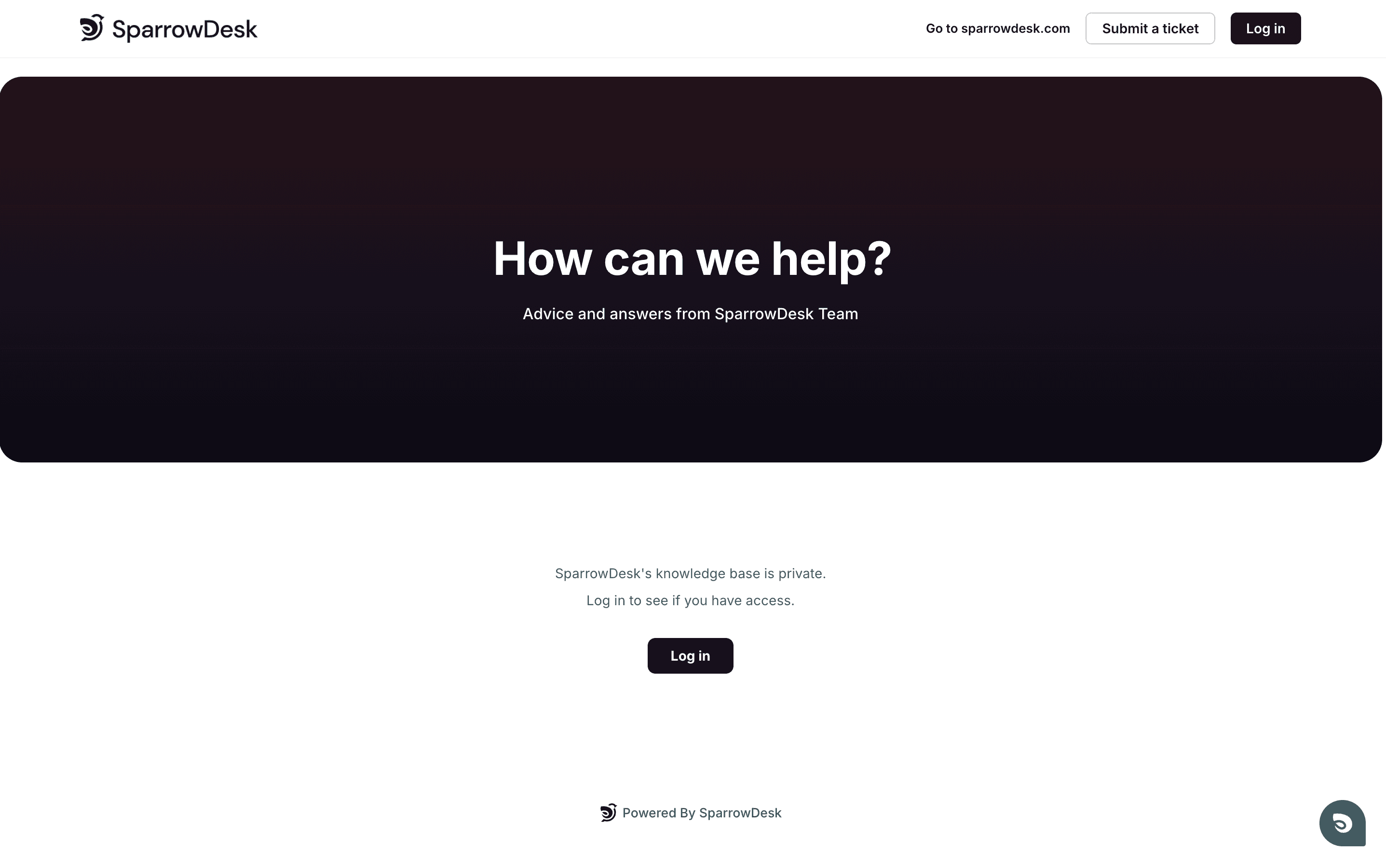
Help Center articles can now be published as Unlisted with a shareable preview links.Unlisted articles remain hidden from collections and public search, but anyone with the link can access and review them. This enables teams to collaborate on drafts, gather approvals, and share sensitive content without exposing it before publication.
With this update, SparrowDesk now allows workflow automations to trigger when multiple conversation fields are updated, using the Conversation updated trigger.
Admins and agents can specify multiple fields as trigger conditions and define whether the automation should run when all conditions are met (AND) or when any condition is met (OR). This gives teams greater control over when workflows fire and helps avoid unnecessary or premature automation.
Why this matters
More precise automation – Trigger workflows only when the right combination of fields changes.
Reduced noise – Prevent automations from running on partial or irrelevant updates.
Greater flexibility – Support complex use cases without creating multiple workflows.
Better alignment with real processes – Automations can now mirror how conversations actually evolve.
This update makes workflow automation more powerful and predictable, enabling teams to build smarter, context-aware processes at scale.
Support teams often create tickets on behalf of customers during conversations. With this update, SparrowDesk now automatically generates a relevant ticket subject using AI when an agent records an issue described by the customer.
The AI analyzes the conversation context at the time of ticket creation and generates a concise, meaningful subject that reflects the customer’s reported issue. This removes the need for agents to manually summarize or name tickets, while keeping records clear and consistent.
Why this matters
Clear context at creation – Tickets are accurately titled the moment they’re logged.
Reduced manual effort – Agents don’t have to pause and write subjects themselves.
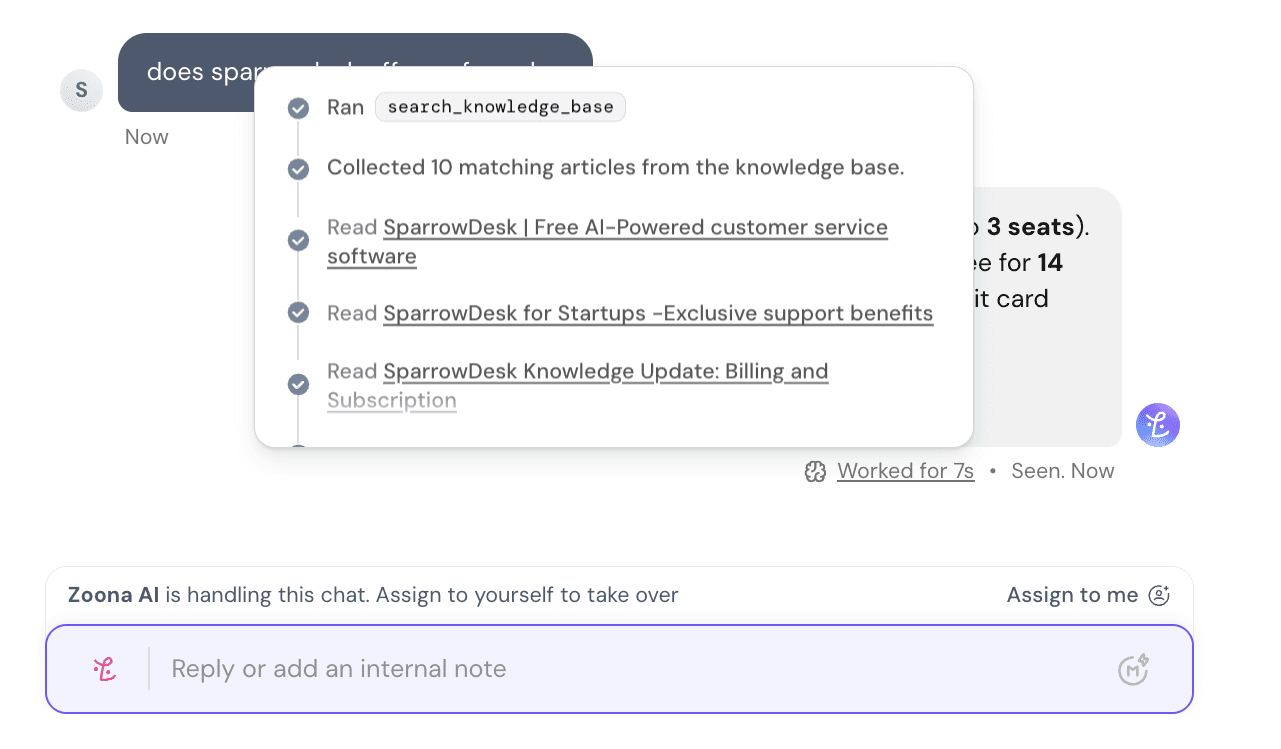
Luna AI–handled conversations are now visible in the Inbox in a dedicated tab. This gives support teams a single, unified view of all customer conversations—whether they’re resolved by AI or a human.
With this update, teams can:
Monitor AI activity in real time without switching views or dashboards
Maintain full conversation context, making it easy for agents to step in when needed
Audit and review AI resolutions for quality, accuracy, and training opportunities
Ensure nothing slips through, even when conversations are fully or partially handled by AI
This closes the gap between automation and human support, helping teams scale with AI while staying fully in control.
In SparrowDesk, workflows can automatically trigger actions in external tools using HTTP requests. These requests can now include variables such as contact name, conversation ID, ticket subject, or priority, allowing each request to carry specific, dynamic information.
For example, you can create a bug in Jira automatically, with all relevant details —subject, description, priority, and status— populated directly from the ticket. This makes integrations more precise, saves manual work, and ensures that external systems always receive accurate context.
In addition, workflows can now update ticket tags automatically, helping you categorize and manage conversations more efficiently as part of your automation.
Enable SSO for secure, simplified login
SparrowDesk now supports Single Sign-On (SSO), allowing teams to log in using their existing company identity provider instead of separate SparrowDesk credentials.
With SSO, agents can access SparrowDesk using the same account they already use for work, reducing the need to manage additional usernames and passwords. This simplifies onboarding for new team members, improves security, and gives administrators better control over access.
Once configured, user authentication and logout are handled by the identity provider, ensuring consistent access management across your organization while keeping customer data secure.