Business hours
Business hours that work for you
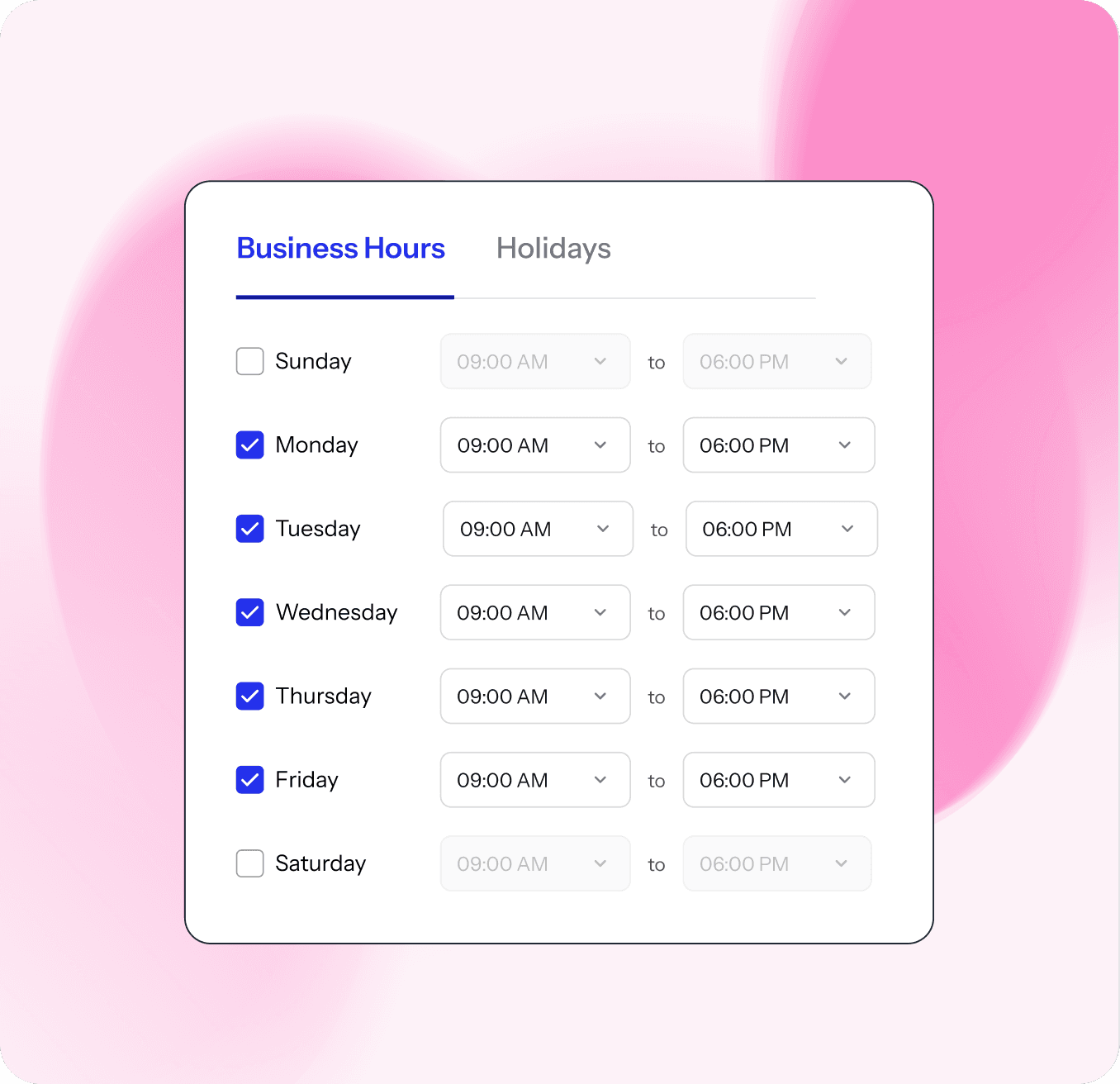
Define global or team-specific business hours to ensure fair SLA tracking and balanced agent workloads. No more overnight panic or false SLA breaches — just clear, accurate time-based support.
Trusted by 1,000+ support teams

.png&w=3840&q=75)










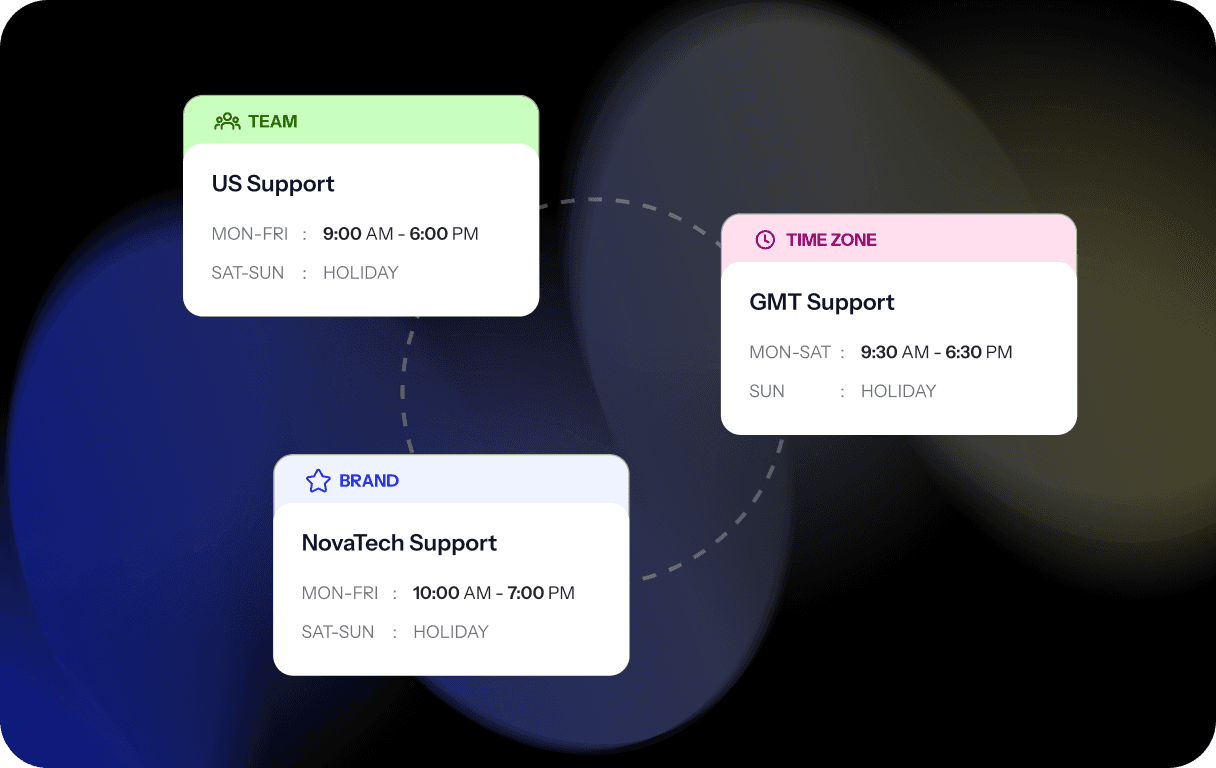
Flexible schedules
Create custom business hours by team, location, or brand—ensuring smooth operations for global and round-the-clock support.
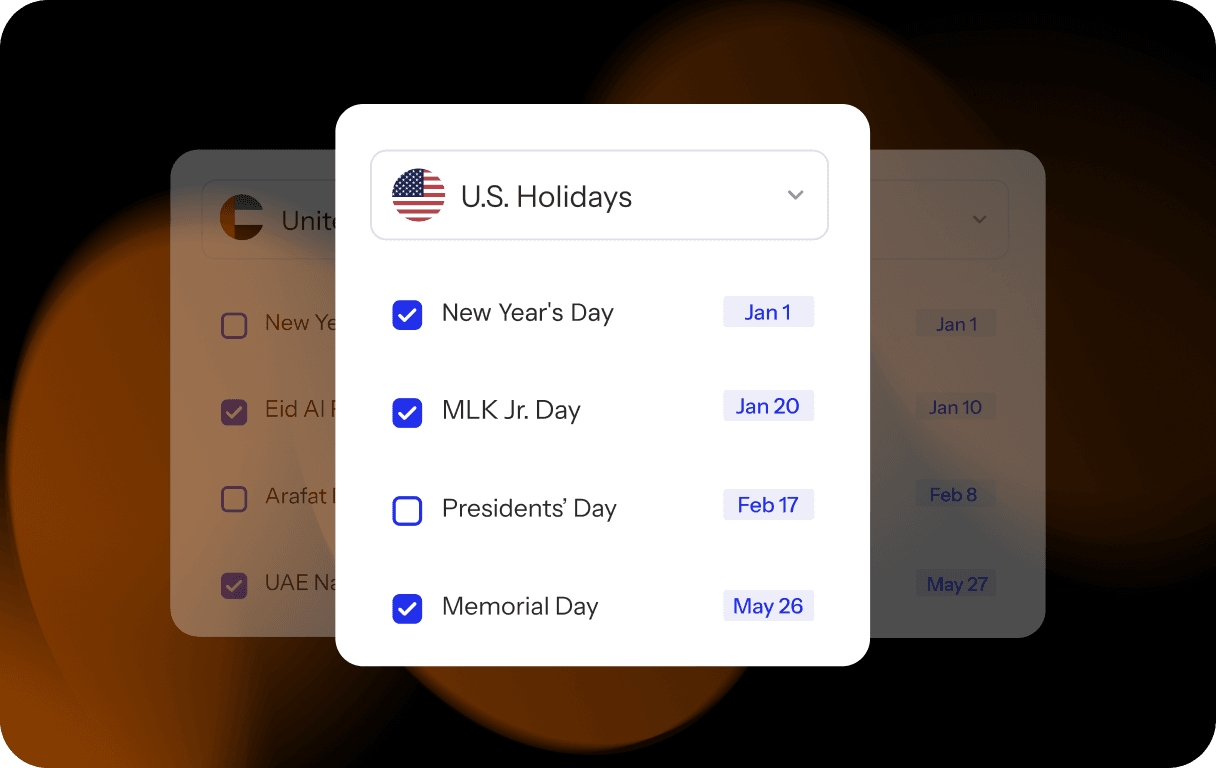
Holiday & weekend settings
Automatically exclude non-working days, so customers know exactly when your team is available for support.
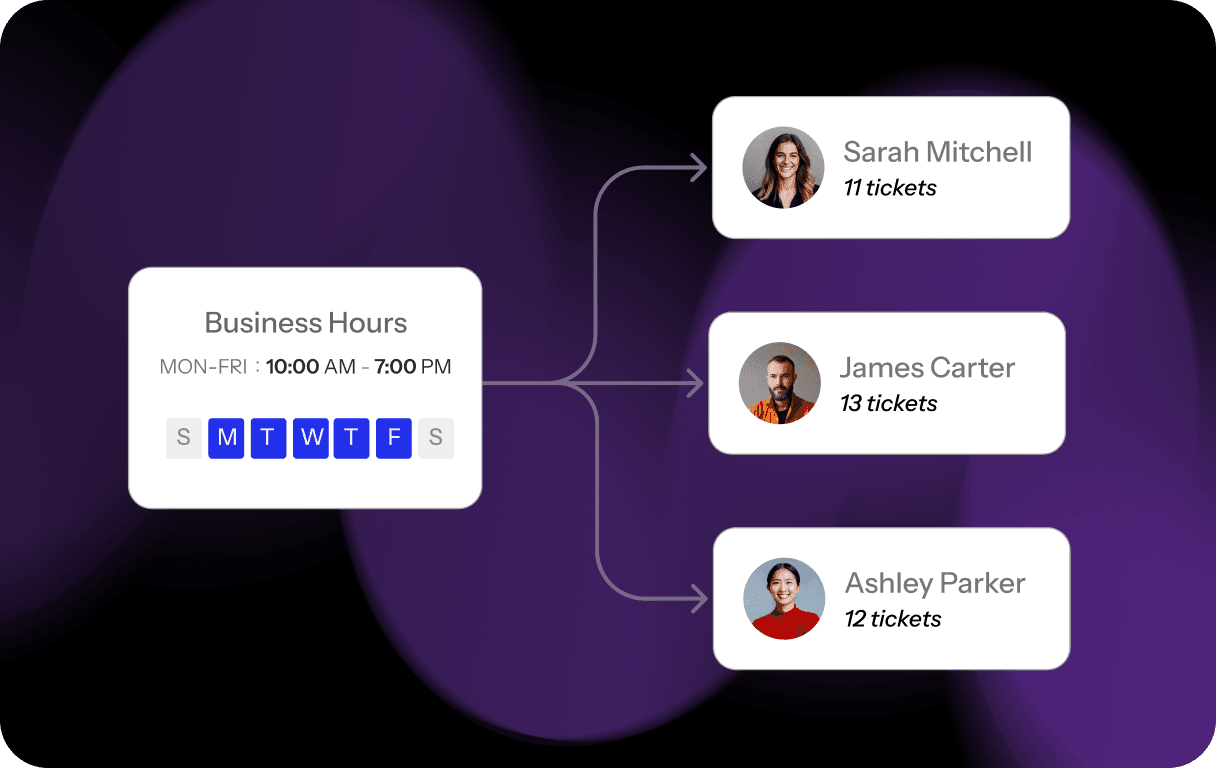
Agent workload balance
Distribute hours fairly across teams to avoid burnout and maintain consistent service.
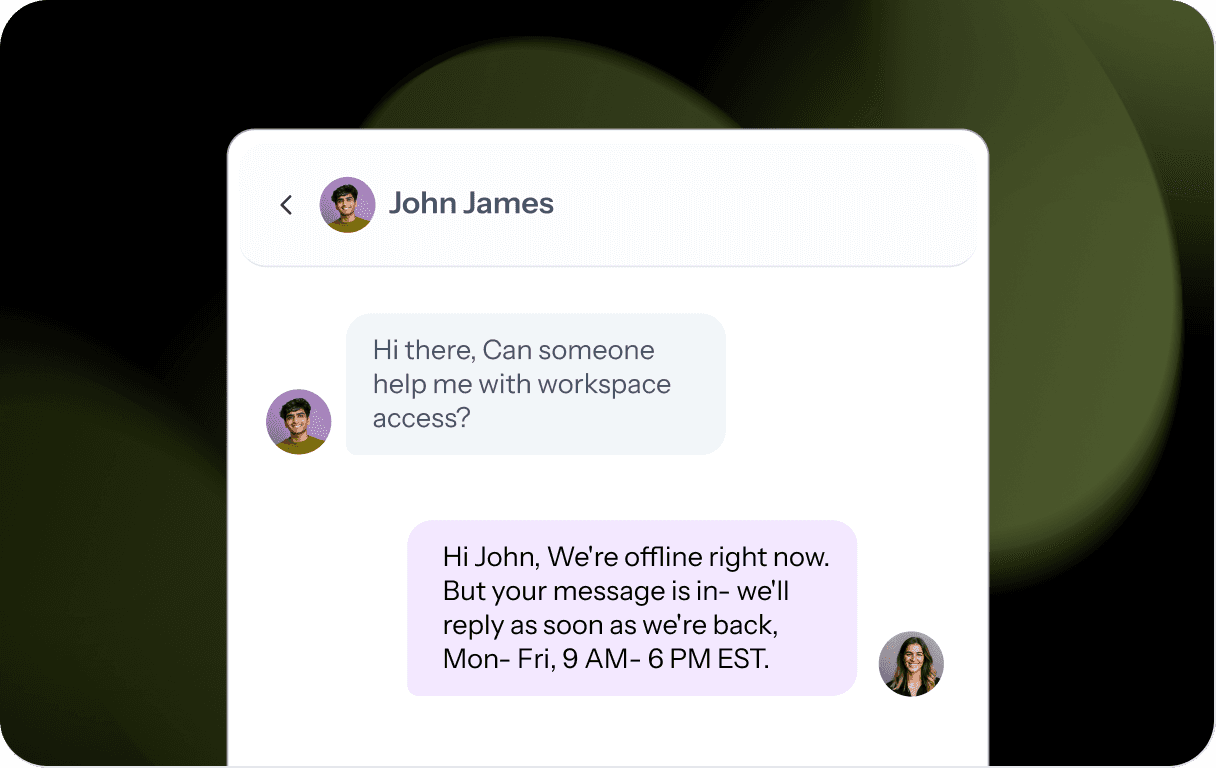
After-hours notifications
Display an automatic message in your chat widget when customers reach out outside business hours—setting clear expectations on when your team will respond.
Create clear, reliable support availability that customers can trust
Manage support across time zones
Show customers when your team is available and when they can expect a reply, while managing business hours across global teams and time zones without confusion.
Track SLAs fairly
Exclude non-working hours, holidays, and weekends from SLA calculations so performance reflects actual working time.
Plan coverage with precision
Define business hours by team, location, or brand to ensure the right teams are available at the right times.


I never imagined setting up customer support could be this easy. Setting up email, live chat, and our help center was a breeze with SparrowDesk. We use the Slack integration to run support right from Slack, and with Zoona handling more than 67% of conversations, our small team can keep up as customer support grows.

Robin
/UprootSecurity



Set the hours. SparrowDesk makes them work.
Set up SparrowDesk in minutes, not months. No credit card needed, no safe call required. Just a better way to run support from day one.