
Connect SparrowDesk to thousands of apps via Zapier
Install
About this App
Zapier is a no-code automation platform that connects thousands of apps. By integrating SparrowDesk with Zapier, teams can automate workflows, sync data across tools, and eliminate repetitive manual tasks.
The Zapier–SparrowDesk integration allows you to trigger actions based on ticket events, create tickets from external apps, and build fully automated workflows across your stack.
With this integration, teams can:
- Automatically create contacts in SparrowDesk based on events in other tools
- Create tickets in SparrowDesk from external triggers (e.g., new form entry, sheet update)
- Reduce manual data entry by bringing information from other apps into SparrowDesk
- Set up workflows that run automatically after configuration
From Zapier, users can view:
- Use any supported app as a trigger (e.g., Google Sheets)
- Automate data flow into SparrowDesk across multiple tools
- Perform actions in SparrowDesk such as creating contacts or tickets
- Configure workflows (Zaps) without writing a single line of code
App Details:
Category
Automation
Integration Type
Zapier connector
Best for
Ops, sales, and support teams
How to enable this integration?
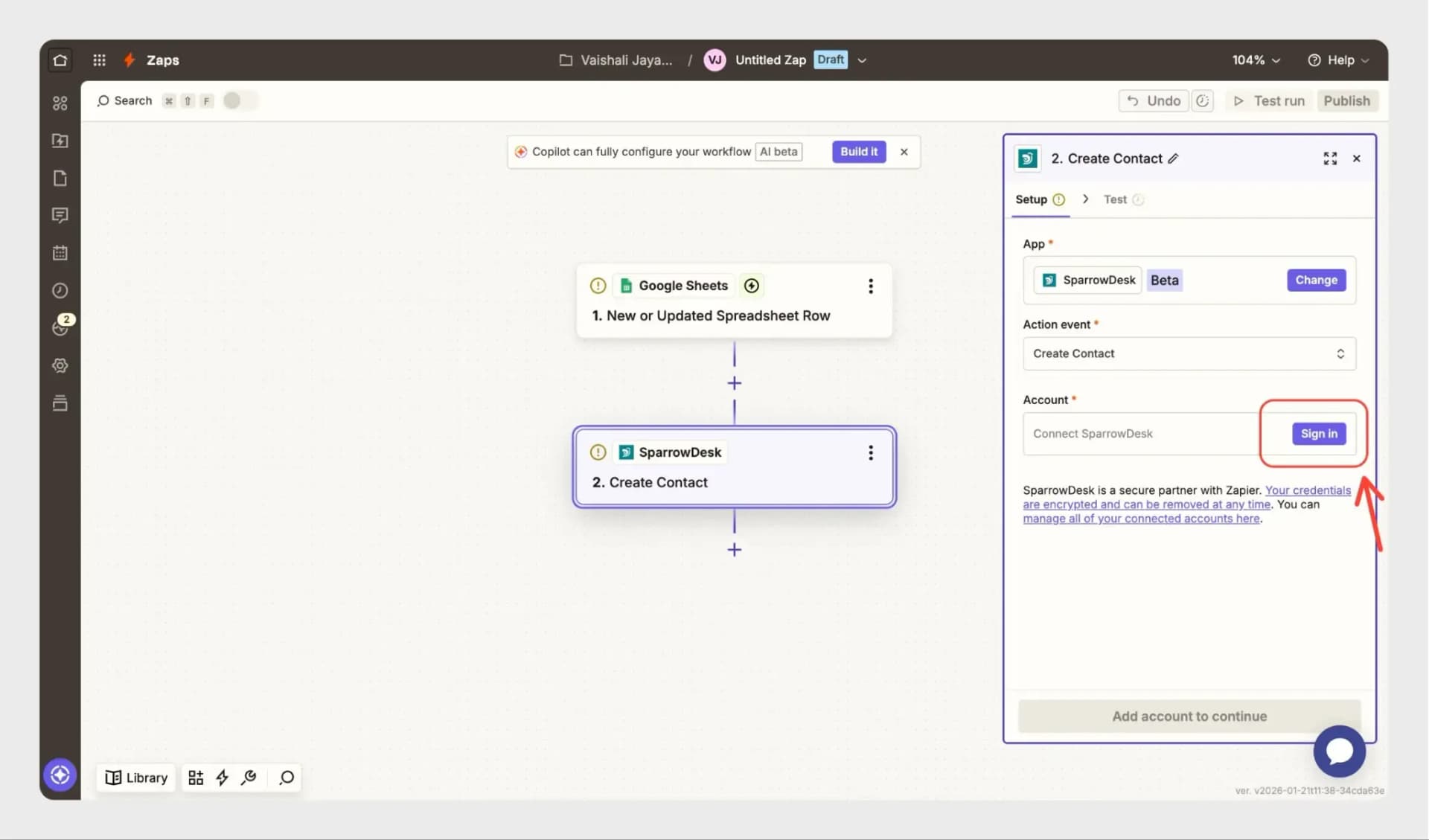
- You can use Zapier to create automated workflows (Zaps) between SparrowDesk and other apps. For example, you can create a Zap to automatically add a contact in SparrowDesk when a new contact is added in Google Sheets.
To set this up:
- Create a new Zap in Zapier
- Choose a trigger app (e.g., Google Sheets)
- Select SparrowDesk as the action app
- Authenticate your SparrowDesk account
- Configure the workflow and publish the Zap
Key features and benefits
- Automatically create contacts and tickets in SparrowDesk from other tools
- Reduce manual data entry by capturing information from external apps
- Use any Zapier-supported app as a trigger (e.g., Google Sheets, forms, CRMs)
- Set up workflows that run automatically once enabled
- Keep your support system updated with data from the tools your team already uses
Get started
Follow a step-by-step guide to configure and customize the integration.