
Connect SurveySparrow to automate customer feedback
Install
About this App
SurveySparrow helps businesses collect and act on customer feedback. By integrating SparrowDesk with SurveySparrow, teams can automatically capture feedback after support interactions and tie it directly to tickets.
This integration enables teams to measure customer satisfaction in real time and use feedback to continuously improve support quality.
With this integration, teams can:
- Trigger surveys automatically after ticket resolution
- Map survey responses to specific support conversations
- Track customer sentiment across interactions
- Close the feedback loop without manual effort
From SurveySparrow, users can view:
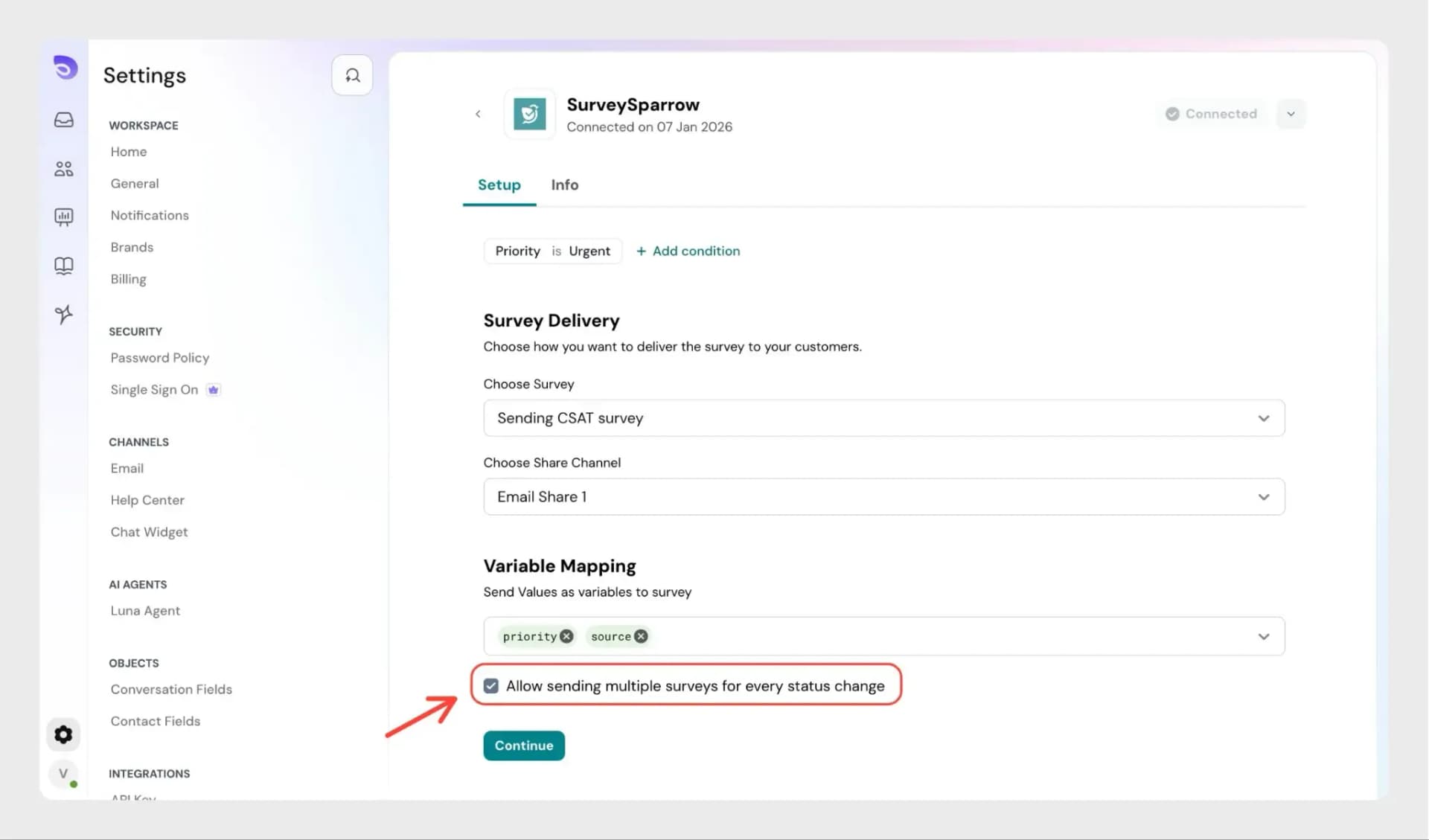
- Send CSAT surveys triggered by support events
- Collect structured feedback linked to tickets
App Details:
Category
Customer Feedback
Integration Type
Native
Best for
Support, CX, and success teams
How to enable this integration?
- In SparrowDesk, go to Settings → App Store
- Locate SurveySparrow and click Connect
- Sign in to your SurveySparrow account
- Enter your credentials or use a supported sign-in method to authenticate
Once connected, your SurveySparrow account will be linked to SparrowDesk and ready to use.
Key features and benefits
- Automate feedback collection by triggering surveys after support interactions
- Gain real-time visibility into customer satisfaction and sentiment
- Map feedback directly to tickets for better context and analysis
- Improve support quality with actionable, feedback-driven insights
- Eliminate manual survey workflows with fully automated processes
Get started
Follow a step-by-step guide to configure and customize the integration.