
Import Notion pages into SparrowDesk and keep your knowledge base in sync, no manual uploads needed.
About this App
Notion is an all-in-one workspace where teams write, plan, and organize their knowledge. By connecting Notion to SparrowDesk, support teams can pull their existing documentation directly into the AI knowledge base - no copy-pasting, no re-uploading, no drift between what's in Notion and what your AI knows.
The SparrowDesk × Notion integration lets you authenticate via OAuth, select the pages you want to share, and have SparrowDesk fetch and index them automatically. Set it once and let it stay current.
With this integration, teams can:
- Import Notion pages directly into the SparrowDesk knowledge base as a source
- Choose a one-time import or set a recurring weekly sync
- Enable or disable training at the individual page level
- Manage all imported content from the Zoona AI knowledge tab
From SparrowDesk, your team can:
- Preview any imported Notion page using the side peek
- Control which pages train your AI and which don't
- Add or remove Notion workspaces independently at any time
App Details:
Developer
SparrowDesk
Category
Knowledge Management
Integration Type
OAuth
Best for
Support teams using Notion as a knowledge base
How to enable this integration
- In SparrowDesk, go to the Knowledge tab.
- Click Add Source and select Notion.
- You'll be redirected to Notion - sign in and select the pages you want to share.
- Click Allow access to grant permission.
- Return to SparrowDesk - content begins fetching automatically.
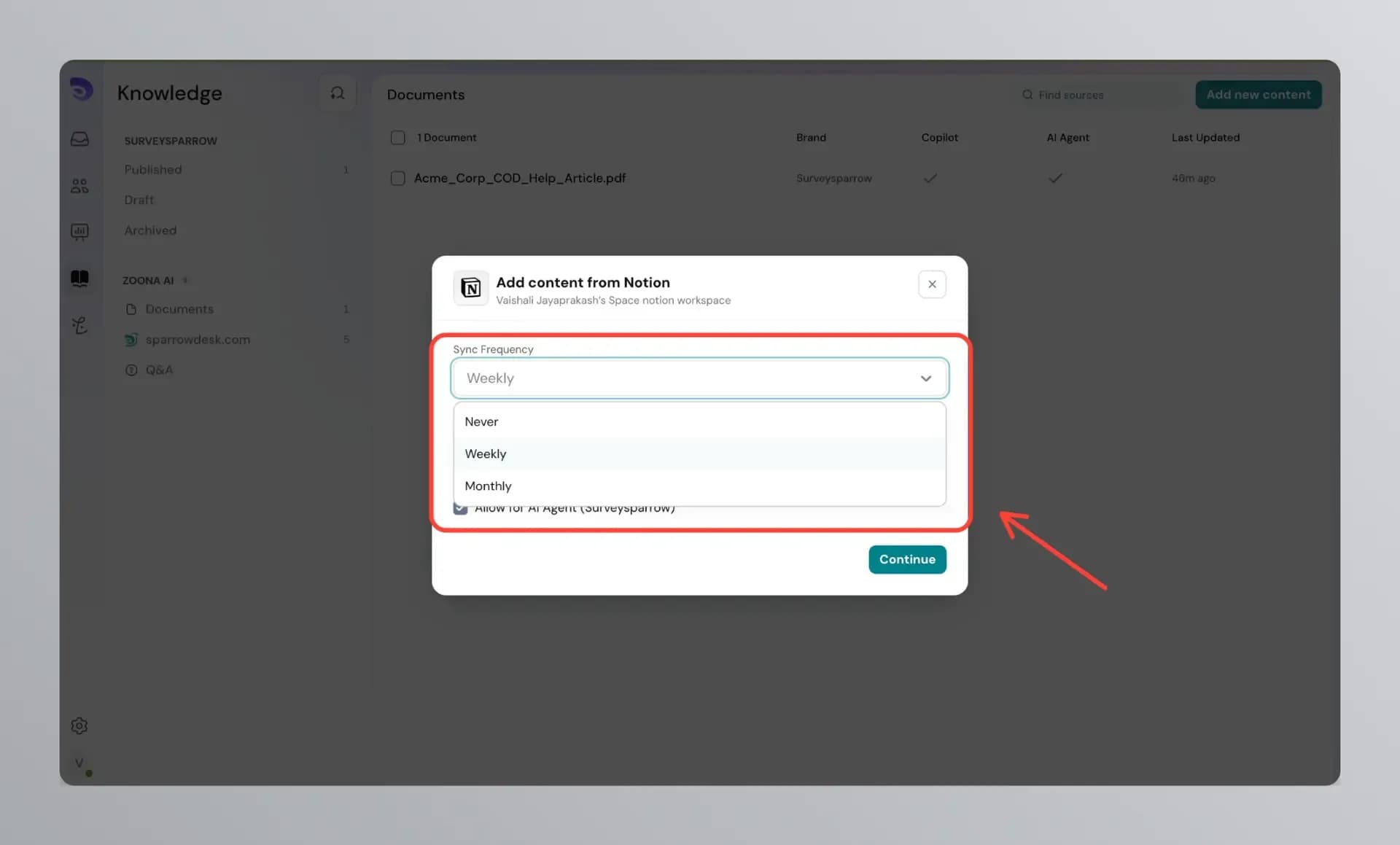
- Choose your sync preference: one-time import or recurring weekly sync.
Key features and benefits
- Import Notion pages directly into your SparrowDesk knowledge base
- Authenticate securely via OAuth — no API keys or manual exports
- Choose exactly which pages to share during setup
- Set a one-time import or recurring weekly sync to stay current
- Enable or disable AI training at the individual page level
- Connect multiple Notion workspaces or accounts independently
- Manage all imported content from the Zoona AI knowledge tab
Get started
Follow a step-by-step guide to configure and customize the integration.