
HubSpot context, right inside the conversation.
About this App
HubSpot is an all-in-one CRM for marketing, sales, and service. Connect it to SparrowDesk and your agents see a contact's HubSpot details right inside the inbox — no switching tabs to check who they're talking to.
It works in both directions. HubSpot context shows up in every SparrowDesk conversation, and your SparrowDesk contacts and closed conversations sync back to HubSpot, so sales and CS see the full support history on the record.
With this integration, teams can:
- See a contact's HubSpot details — name, company, lifecycle stage, and owner — inside the SparrowDesk conversation and contact profile
- Create a HubSpot contact from SparrowDesk when no match exists yet
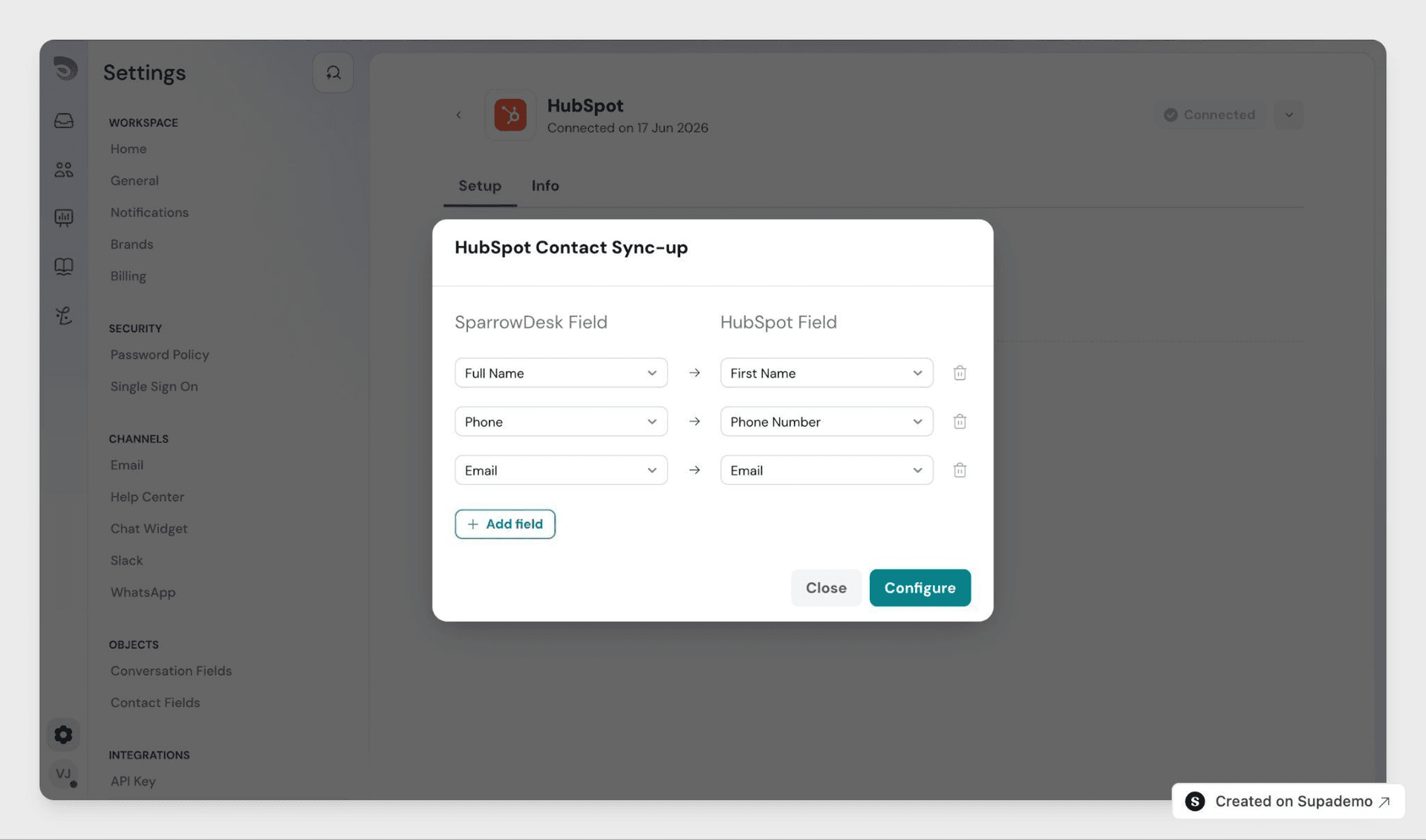
- Sync new and updated SparrowDesk contacts to HubSpot automatically
- Sync closed conversations to HubSpot as a note on the matching contact, with the full transcript and a link back
From HubSpot, users can view:
- New and synced SparrowDesk contacts on the CRM record
- Each closed conversation added to the contact as a note — full transcript plus a link back to the conversation in SparrowDesk
App Details:
Developer
SparrowDesk
Category
CRM
Integration Type
Native
Best for
Giving support, sales, and marketing one shared view of the customer
How to enable this integration?
- You'll need admin access in SparrowDesk and a HubSpot account that can connect integrations.
- In SparrowDesk, go to Settings → App store
- Find HubSpot and click Connect HubSpot
- Sign in with your HubSpot account when prompted
- Authorise SparrowDesk to access your HubSpot account
Once connected, agents see HubSpot context in the inbox right away. Turn on contact sync and conversation sync from the Setup tab whenever you're ready.
Key features and benefits
- Answer with context. HubSpot details sit in the conversation, so agents aren't digging through the CRM mid-reply.
- Give sales and CS the support history. Every closed conversation lands on the HubSpot contact as a note.
- Keep contacts current in both tools. New and updated SparrowDesk contacts sync to HubSpot automatically.
- Map the fields you care about. Choose which contact fields sync, including lead-source fields like utm_campaign.
Get started
Follow a step-by-step guide to configure and customize the integration.