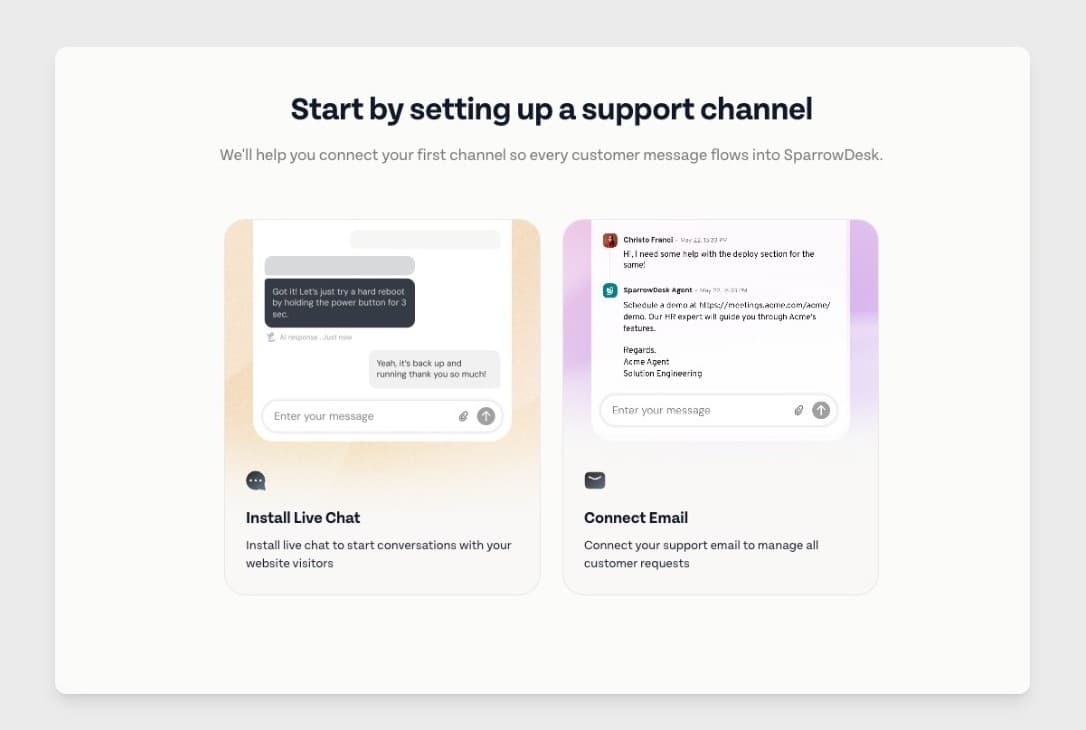
Getting started with most support tools means figuring out the platform step by step.
Guided onboarding brings the key setup into one clear flow and a checklist, making it easier for support teams to set up faster and start handling conversations sooner.
Along with this ,
Add notes even when AI is replying - Agents can now add internal notes even while AI is handling a conversation, making it easier to collaborate without interrupting the AI workflow.
Advanced Search page - You can now search for conversations using an advanced search page for a more powerful searches. This makes it easier to find the right conversation without relying only on filters.
Improvements
Added collision detection, so agents can see when someone else is replying and avoid sending overlapping responses.
Added Italian language support, so teams can use SparrowDesk in their preferred language.
Added Slack alerts for email delivery failures, so teams can catch and act on sending issues faster.
Upgraded inbox indexing with OpenSearch V2 to support a more reliable and scalable search experience.
Improved watcher UI interactions to make them more consistent and easier to use.
Fixes
Fixed mentions in internal notes for AI-handled conversations so handed-over tickets now appear correctly in mention view
Fixed issues when adding more than three conditions in a condition block
Fixed inline chat attachments sent through watcher notifications
Fixed single-line conversation fields not updating after text is entered
Fixed First Response Time being achieved for chat conversations via internal notes
Fixed the chat widget limit toggle still appearing on the chat widget page
Fixed contacts UI and search inconsistencies
Fixed search with hyphens not working in merged conversations and inbox filters
Fixed image preview mismatches when images are added on the same line as text
Fixed duplicate ticket creation for OAuth sent-email tickets after merge